> ## Documentation Index
> Fetch the complete documentation index at: https://docs.dojah.io/llms.txt
> Use this file to discover all available pages before exploring further.
# Configuration
> Global fraud-detection settings — your reporting entity details and the boundaries between risk tiers.
**Configuration** holds the global settings for fraud detection. Under **Entity Details** you set your reporting entity name, branch ID, and code (used in regulatory reports). Under **Risk Tier Configuration** you drag the boundaries that separate the **Low**, **Medium**, **High**, and **Very High** tiers — the same tiers used on profiles.
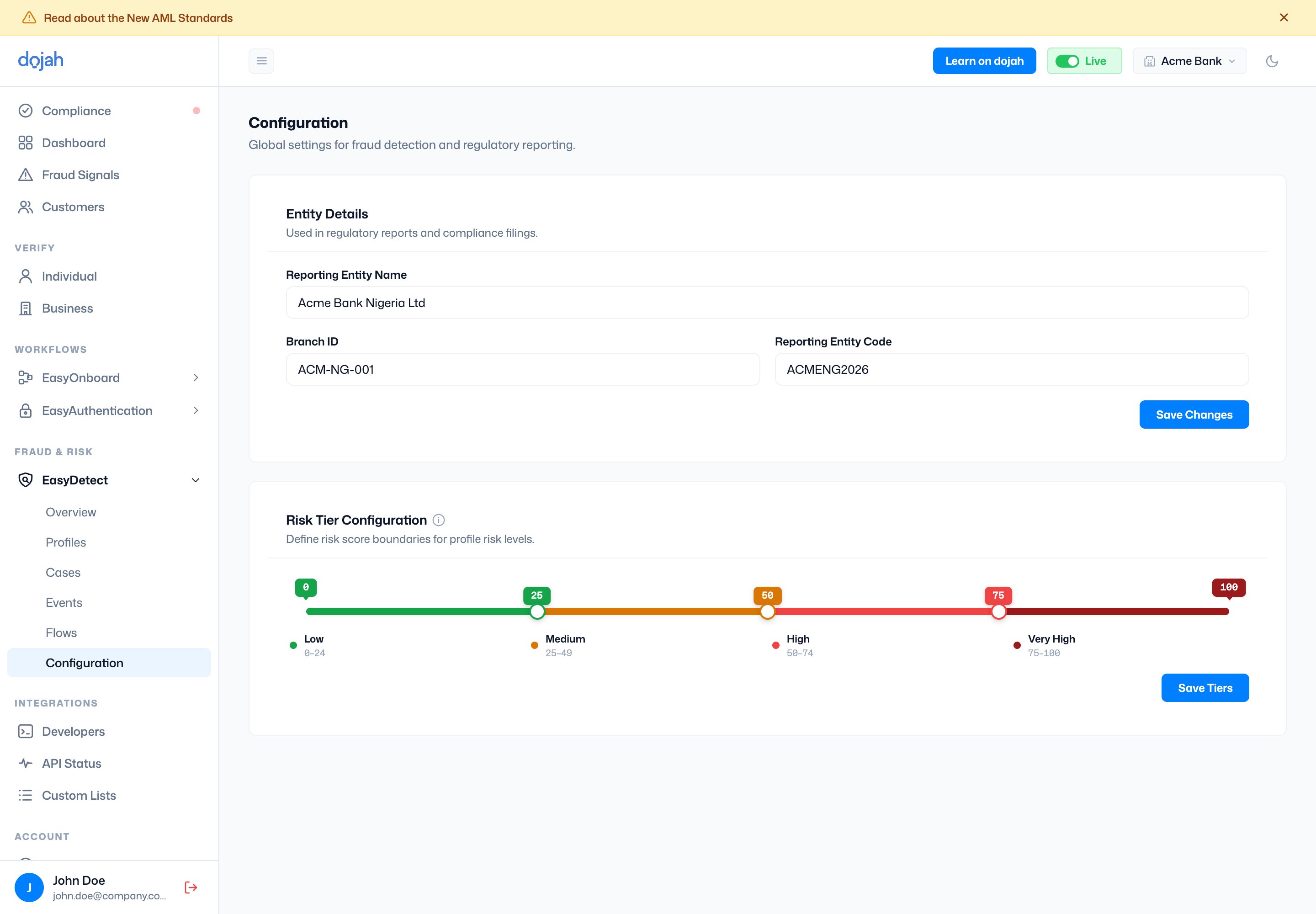 **Changing tiers re-scores everyone.** Adjusting the risk-tier boundaries reclassifies *all* existing profiles against the new ranges, so review the impact before saving.