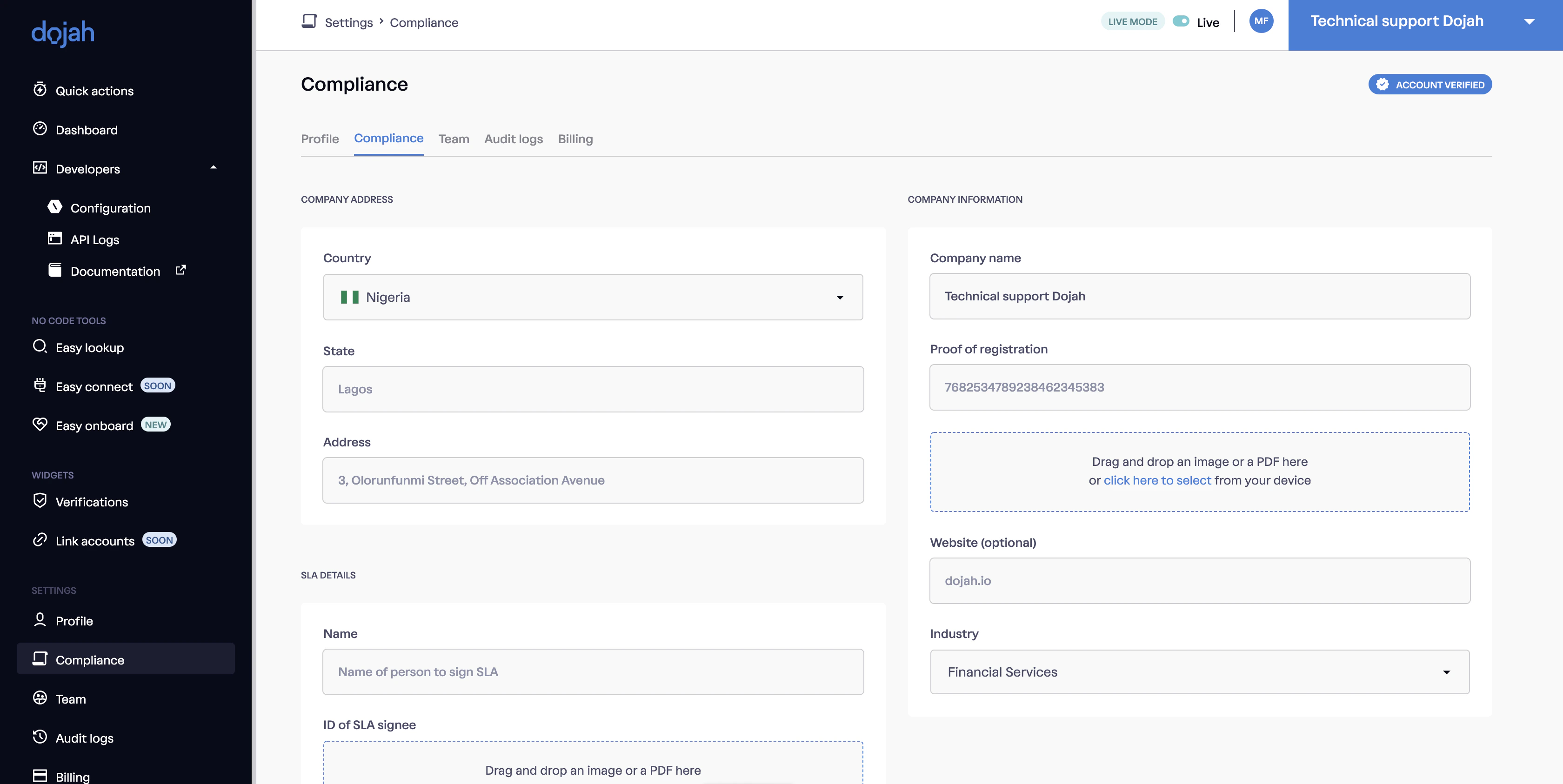
- Go to your “Developers” Dropdown tab, Click on “Configurations”.
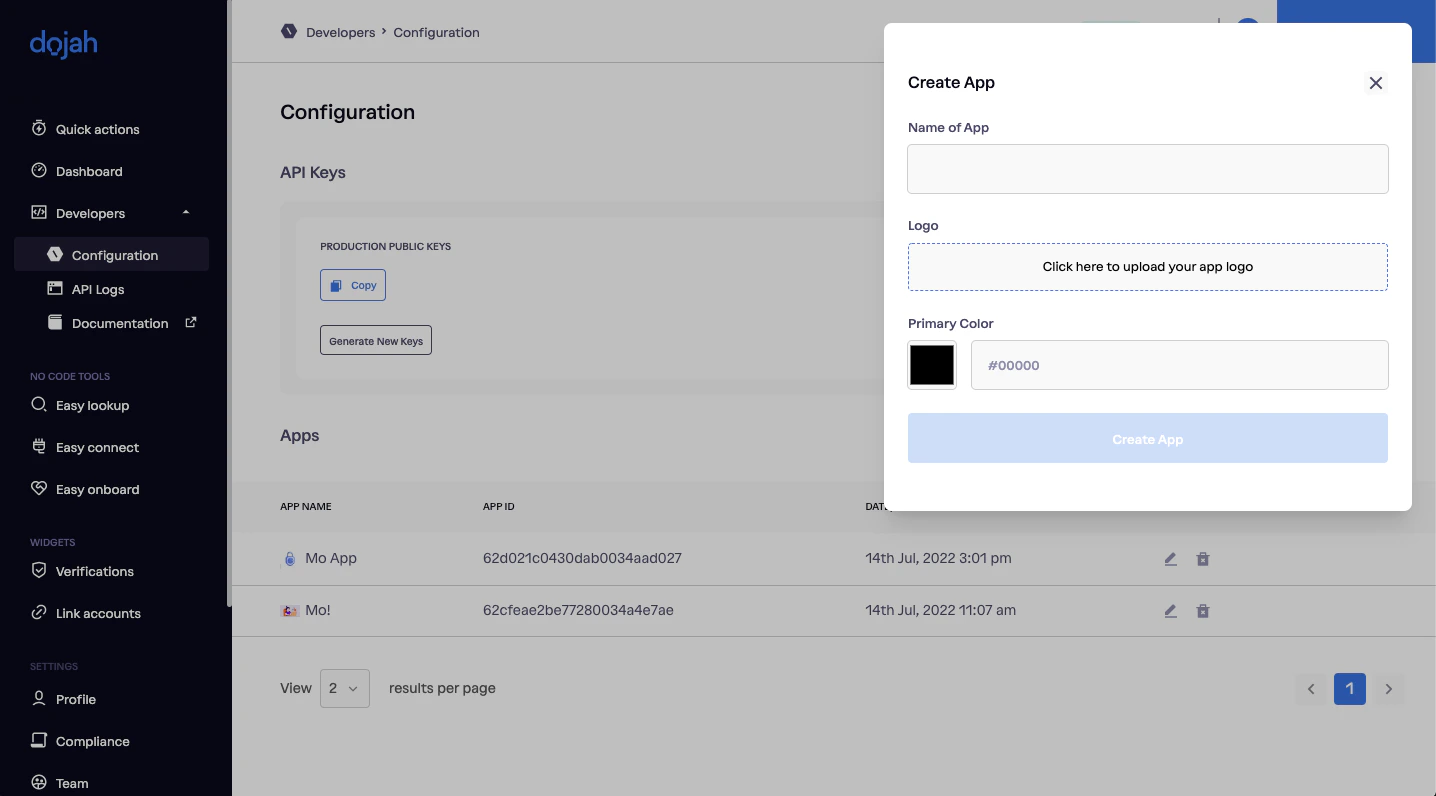
- From your “Configurations” page, create an app by clicking on “My Apps” or use this link.
- Your appID is the alphanumeric characters in the box titled your app name.
Steps Involved in Getting VerifiedYour account must be activated with a verified status to integrate in the live environment.
- Click on this link to get verified.
- Go to Settings/profile Section of your Application.
- Go to Company Information Tab on Settings Page.
- Complete the Company Information Form by filling the necessary details like Company name, Registration number, Industry, Website and Address.
- Click Save Changes button Submit Company Information.
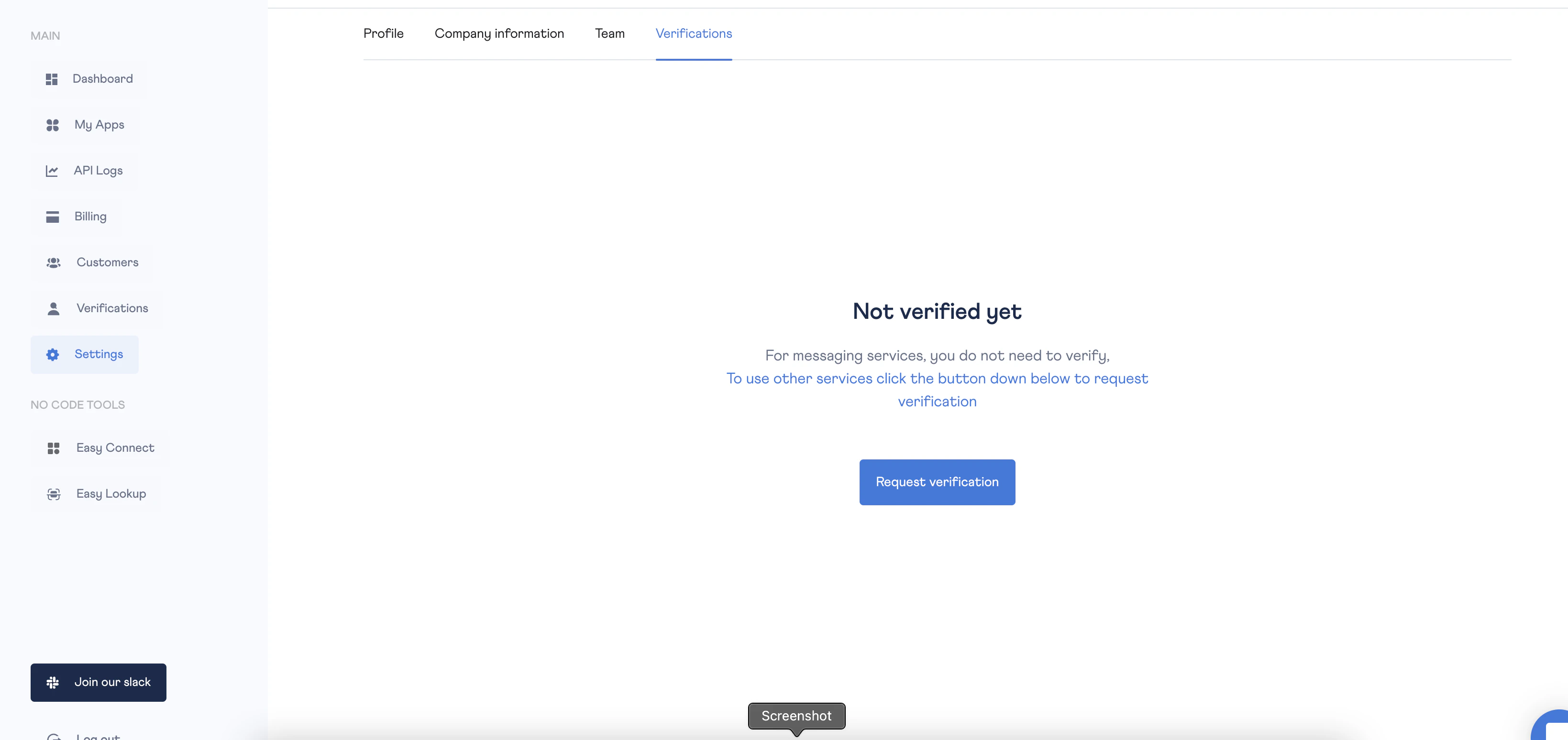
- Go to Verifications Tab on Settings Page.
- Click Request Verification button to Successfully submit verification request.