Creating a token
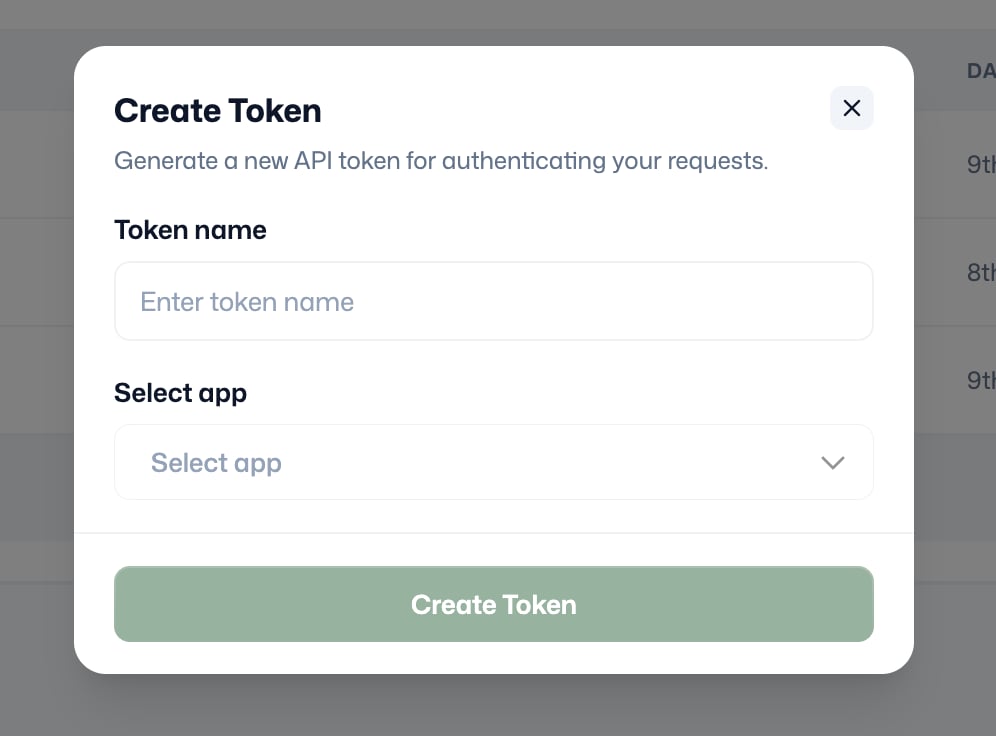
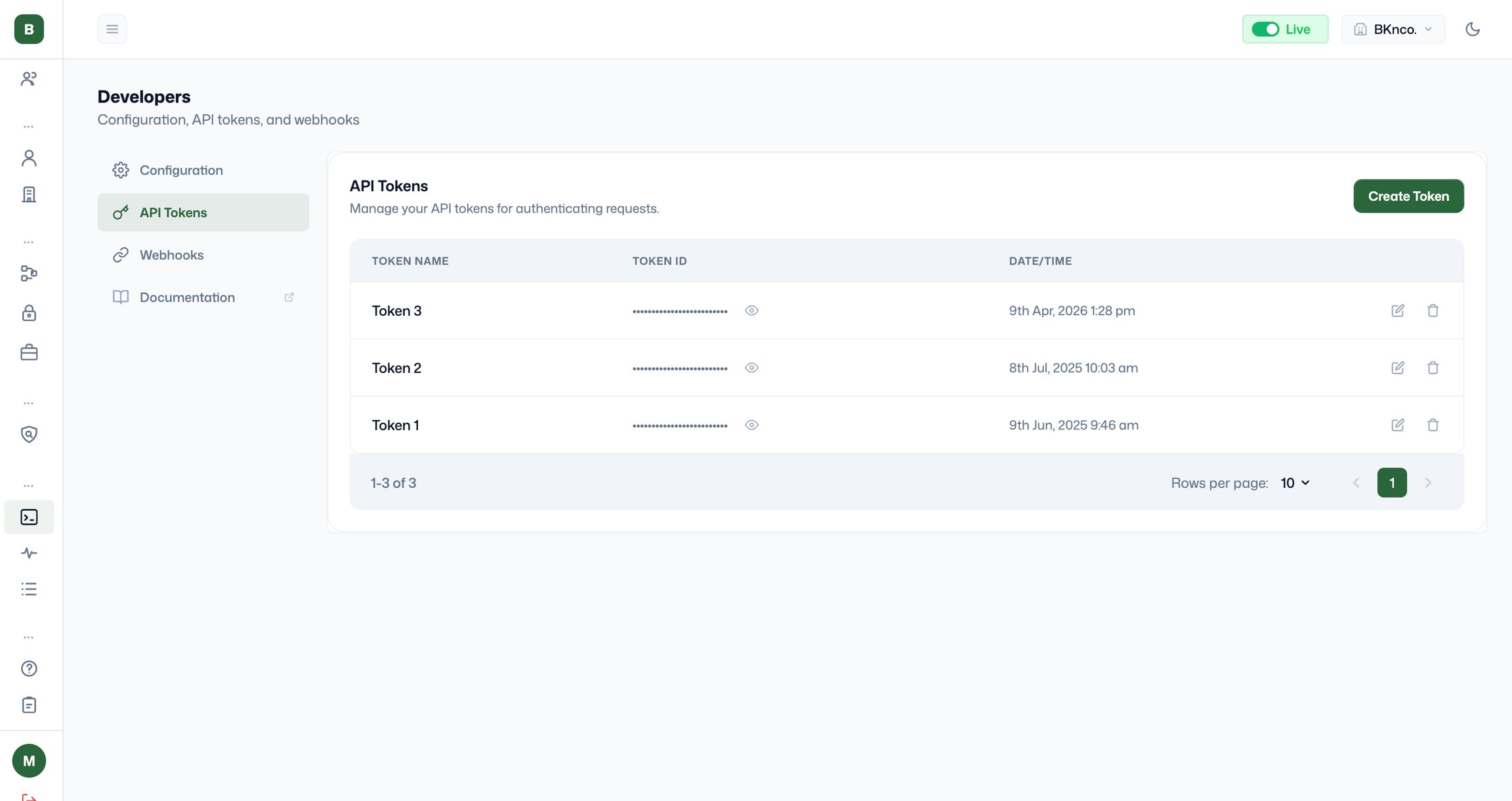
Click Create Token. Fill in two fields: Token name: A descriptive label that identifies what this token is used for, for example, “mobile app, production” or “partner integration, vendor”. Use names that make it immediately clear which integration or team member this token belongs to, so you can manage and revoke tokens cleanly. Select app: Choose which of your configured apps this token is associated with. The token will authenticate requests attributed to that app. Click Create Token to generate it. Copy the token value immediately when it is first shown, for security reasons; the full token value is only displayed once at creation. After that, only the masked version is visible.