
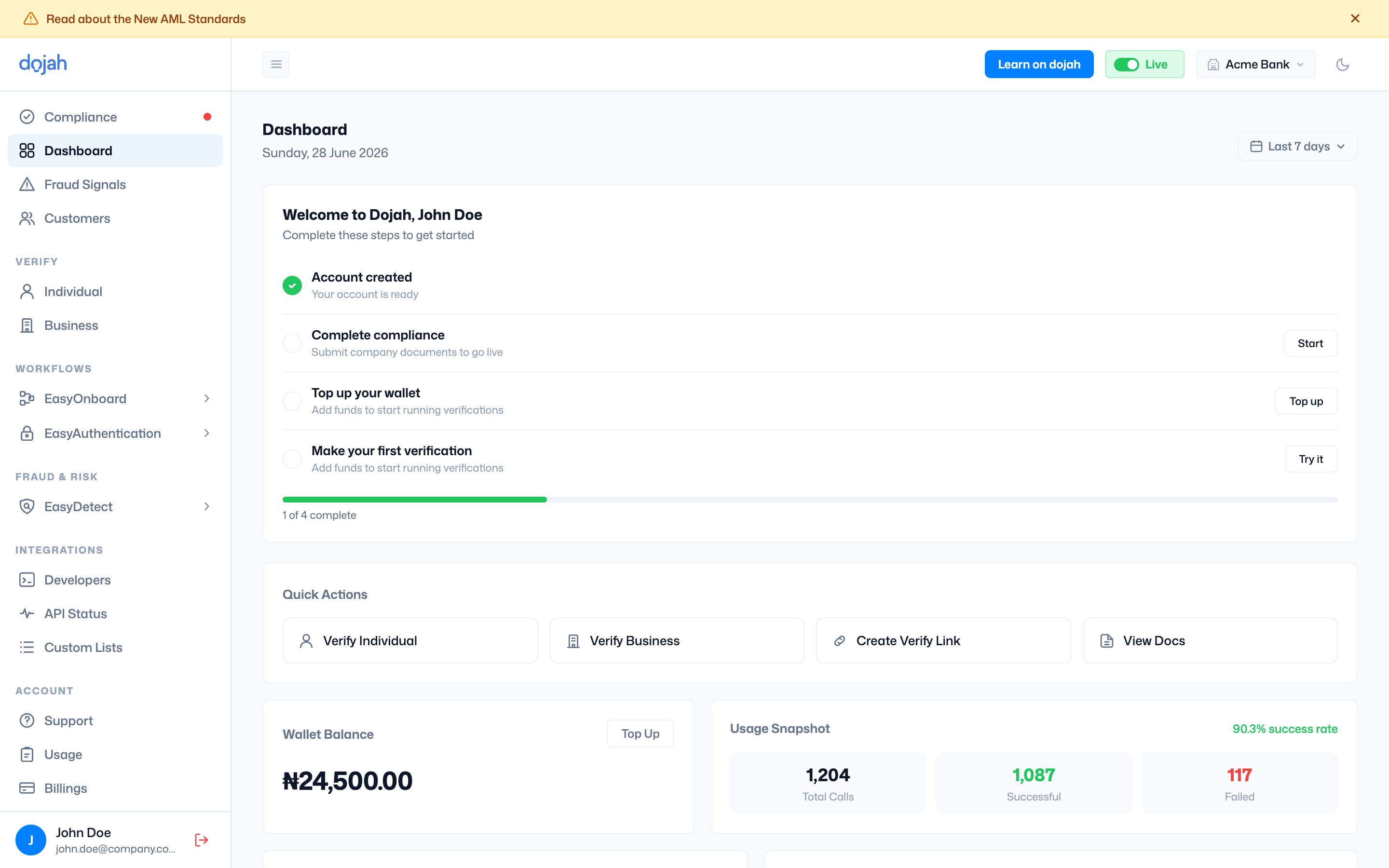
The top bar
The top bar is where you switch context and get help. From left to right:Switching company
If you belong to more than one company, select the company name in the top bar to switch between them. Each company has its own data, wallet, and settings — including a dedicated Sandbox Env for testing.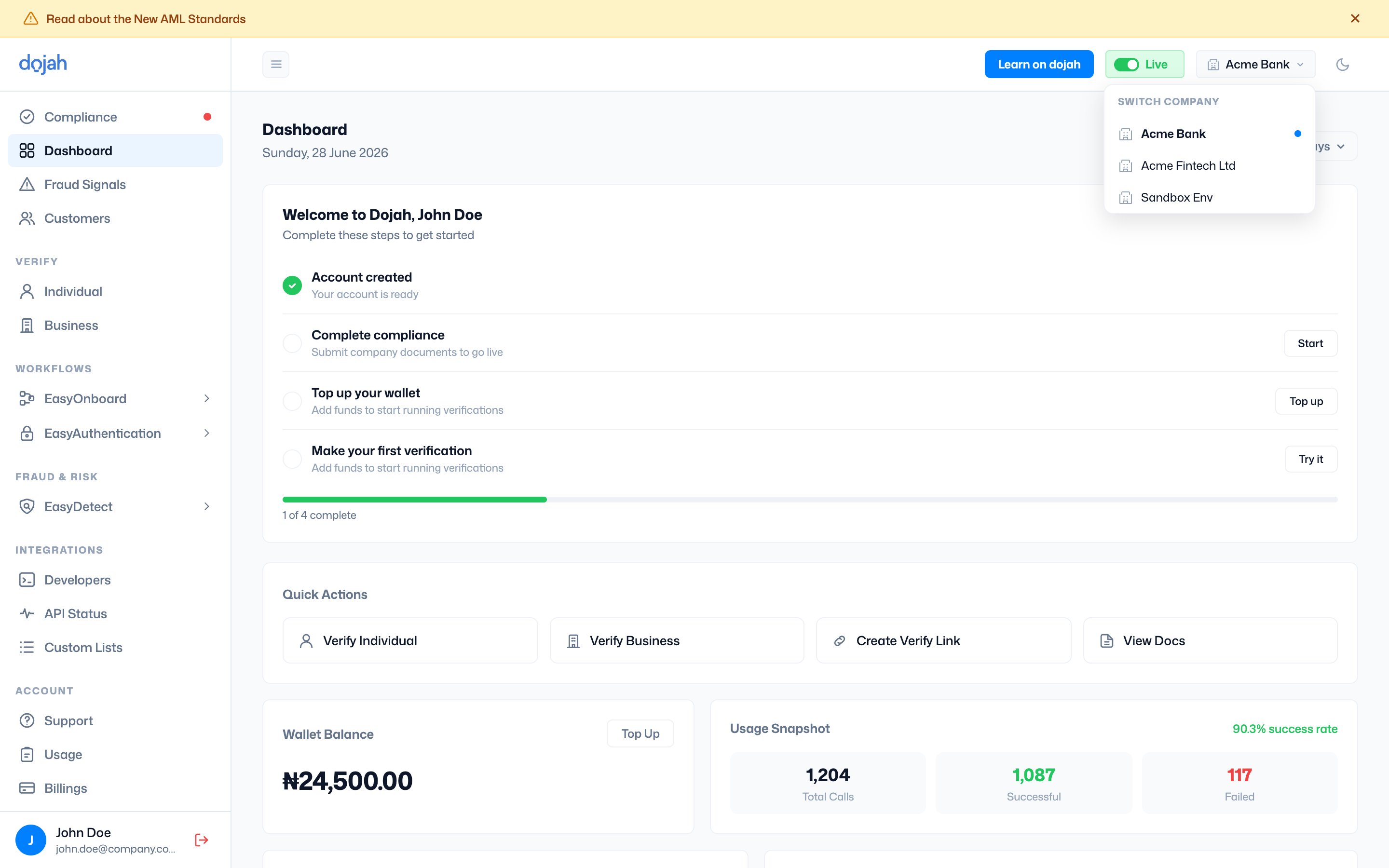
Learn on dojah
The Learn on dojah button in the top bar opens Dojah’s learning hub — guides, tutorials, and product walkthroughs — in a new tab. Open Learn on dojah ↗The sidebar
The sidebar groups every feature so related tools sit together. The groups are:Frequently asked questions
How do I switch between companies on Dojah?
How do I switch between companies on Dojah?
Select the company name in the top bar to open the company switcher. Each company you belong to has its own data, wallet, and settings, including a dedicated sandbox environment.
Where do I find Dojah’s guides and tutorials?
Where do I find Dojah’s guides and tutorials?
The Learn on dojah button in the top bar opens Dojah’s learning hub at dojah.io/learn in a new tab.
What’s the difference between Live and Sandbox mode?
What’s the difference between Live and Sandbox mode?
Sandbox runs on test data and is free; Live runs real verifications against actual records and charges your wallet. Switch between them with the toggle in the top bar — Live unlocks once you complete compliance.