
Getting started checklist
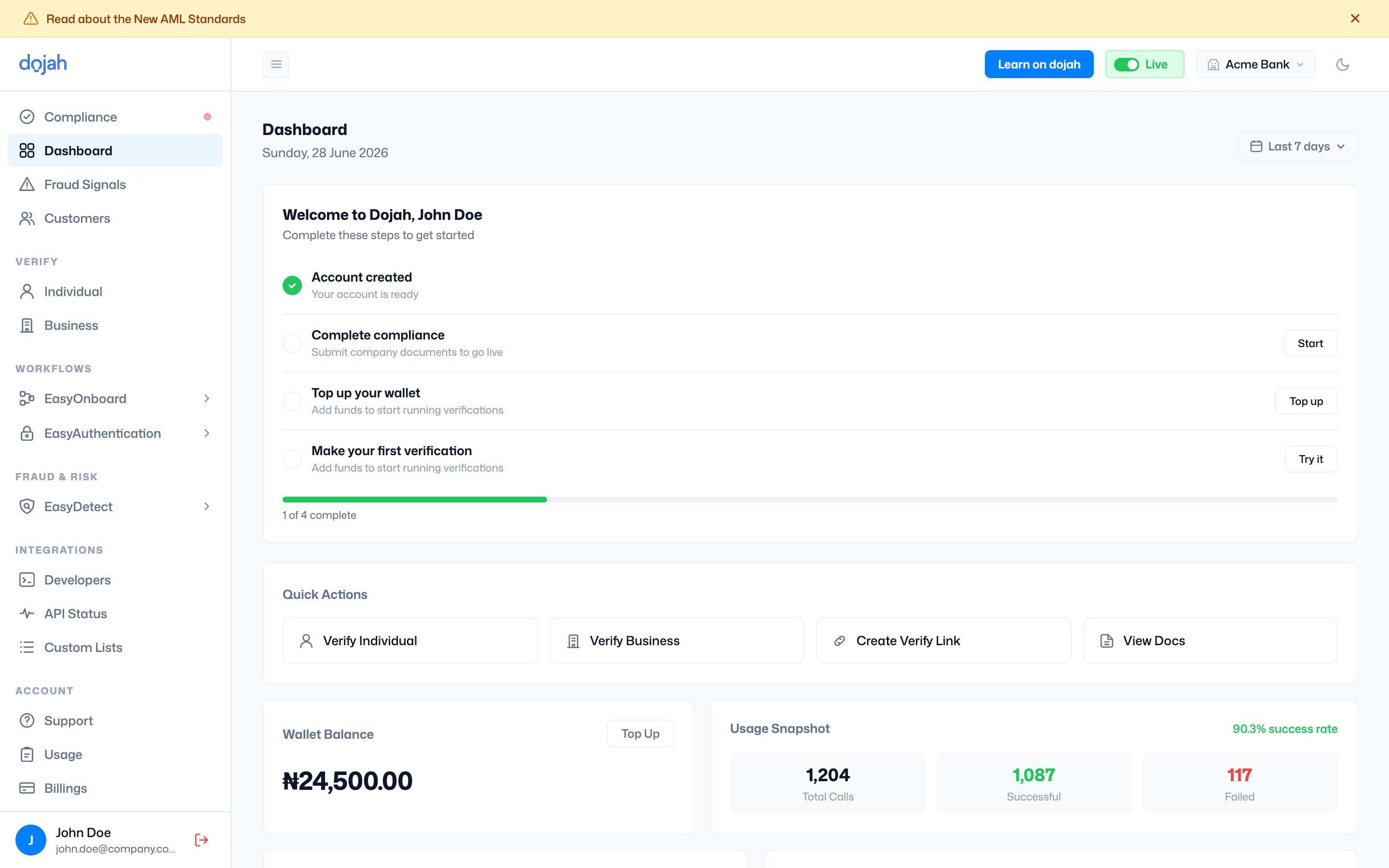
On a new account, “Welcome to Dojah” walks you through the steps to get going, with a progress bar tracking how far you are:Quick Actions
Shortcuts to the things you do most often:- Verify Individual — run a one-off individual verification.
- Verify Business — run a one-off business verification.
- Create Verify Link — generate a shareable verification link.
- View Docs — jump to the documentation.
Wallet & usage at a glance
Two cards give you the numbers that matter:- Wallet Balance — your current balance, with a Top Up shortcut.
- Usage Snapshot — your success rate plus Total Calls, Successful, and Failed counts for the selected period.
Recent Verifications
A live list of your latest checks, split into Individuals and Businesses tabs. Each row shows who was verified, the check type (NIN, BVN, AML, Document, Address…), its status (Verified, Pending, or Failed), and when it ran. View all opens the full list.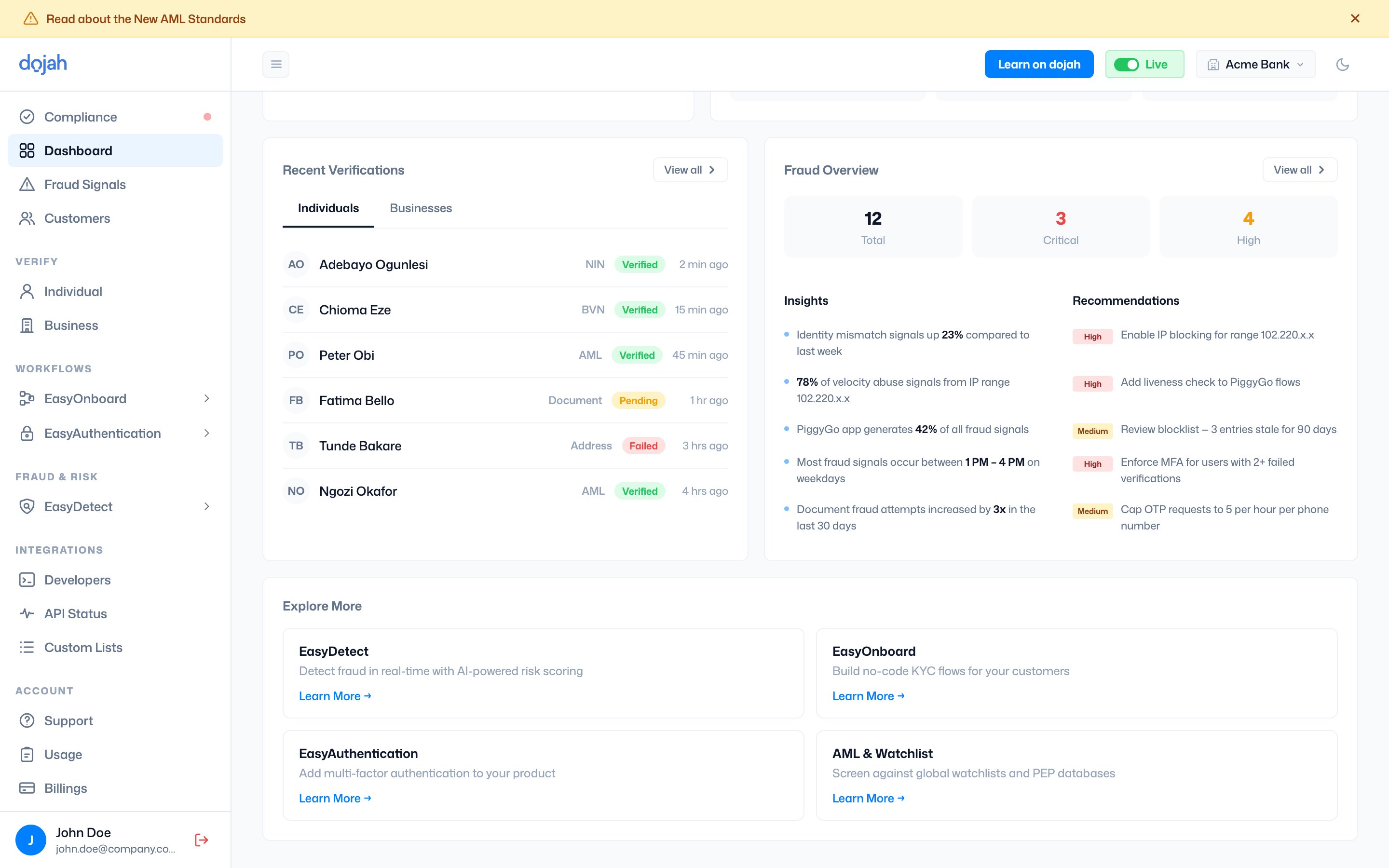
Fraud Overview
A summary of fraud signals across your account — Total, Critical, and High counts, plus Insights (notable patterns) and Recommendations (suggested actions). View all opens Fraud Signals.Explore More
Cards introducing other products you can add — EasyDetect, EasyOnboard, EasyAuthentication, and AML & Watchlist — each with a Learn More link.Frequently asked questions
What is the Dojah dashboard?
What is the Dojah dashboard?
The dashboard is your home screen — a snapshot of your account with a setup checklist, wallet balance, usage snapshot, recent verifications, and a fraud overview, plus quick links to everything else.
What is the getting-started checklist?
What is the getting-started checklist?
On a new account, the Welcome to Dojah checklist walks you through account creation, completing compliance, topping up your wallet, and making your first verification, with a progress bar.
Can I change the dashboard’s time range?
Can I change the dashboard’s time range?
Yes. Use the date filter in the top-right to set the period — the usage snapshot and metrics update to match.