
EasyDetect
Configuration
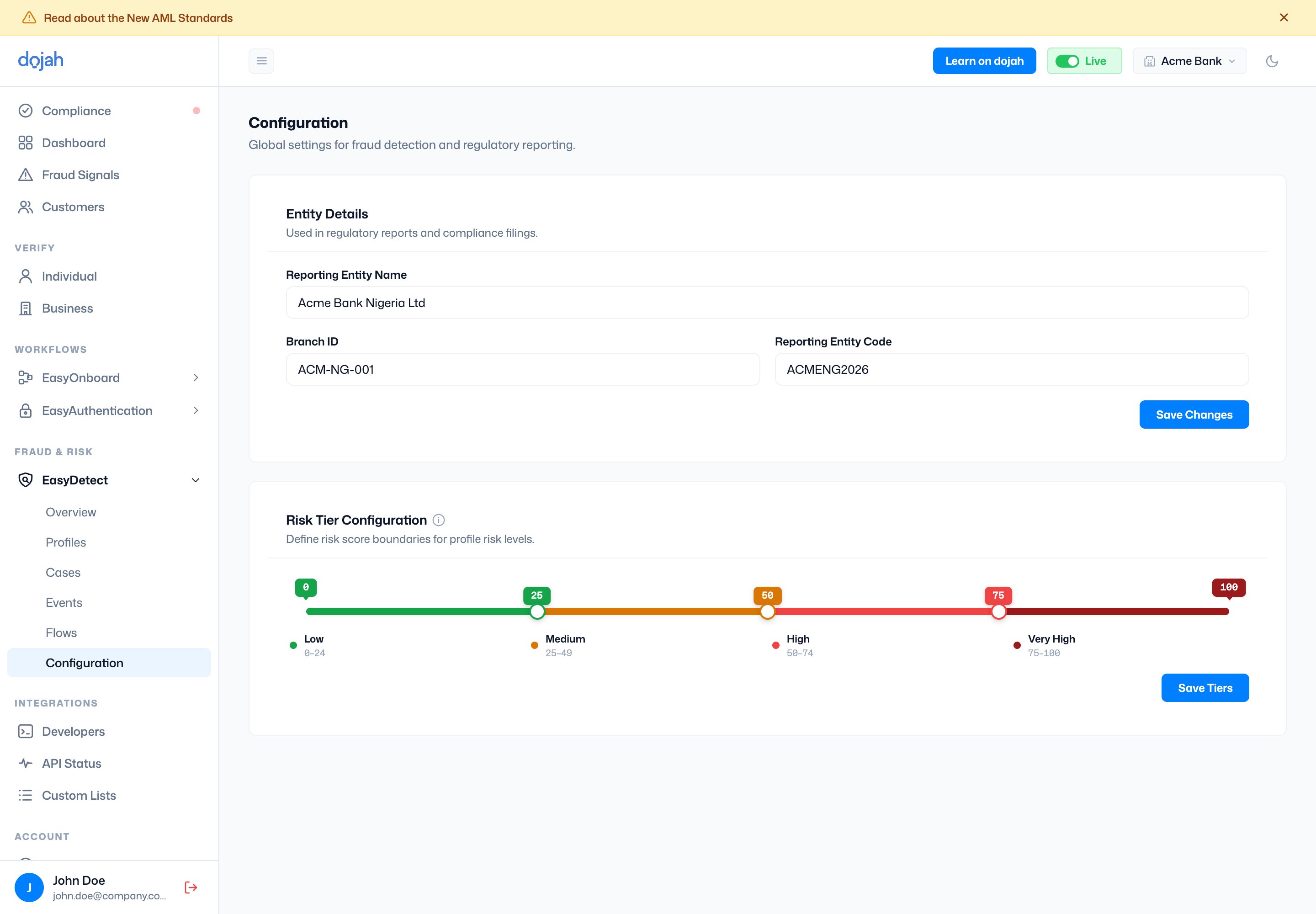
Global fraud-detection settings — your reporting entity details and the boundaries between risk tiers.
Configuration holds the global settings for fraud detection. Under Entity Details you set your reporting entity name, branch ID, and code (used in regulatory reports). Under Risk Tier Configuration you drag the boundaries that separate the Low, Medium, High, and Very High tiers — the same tiers used on profiles.