
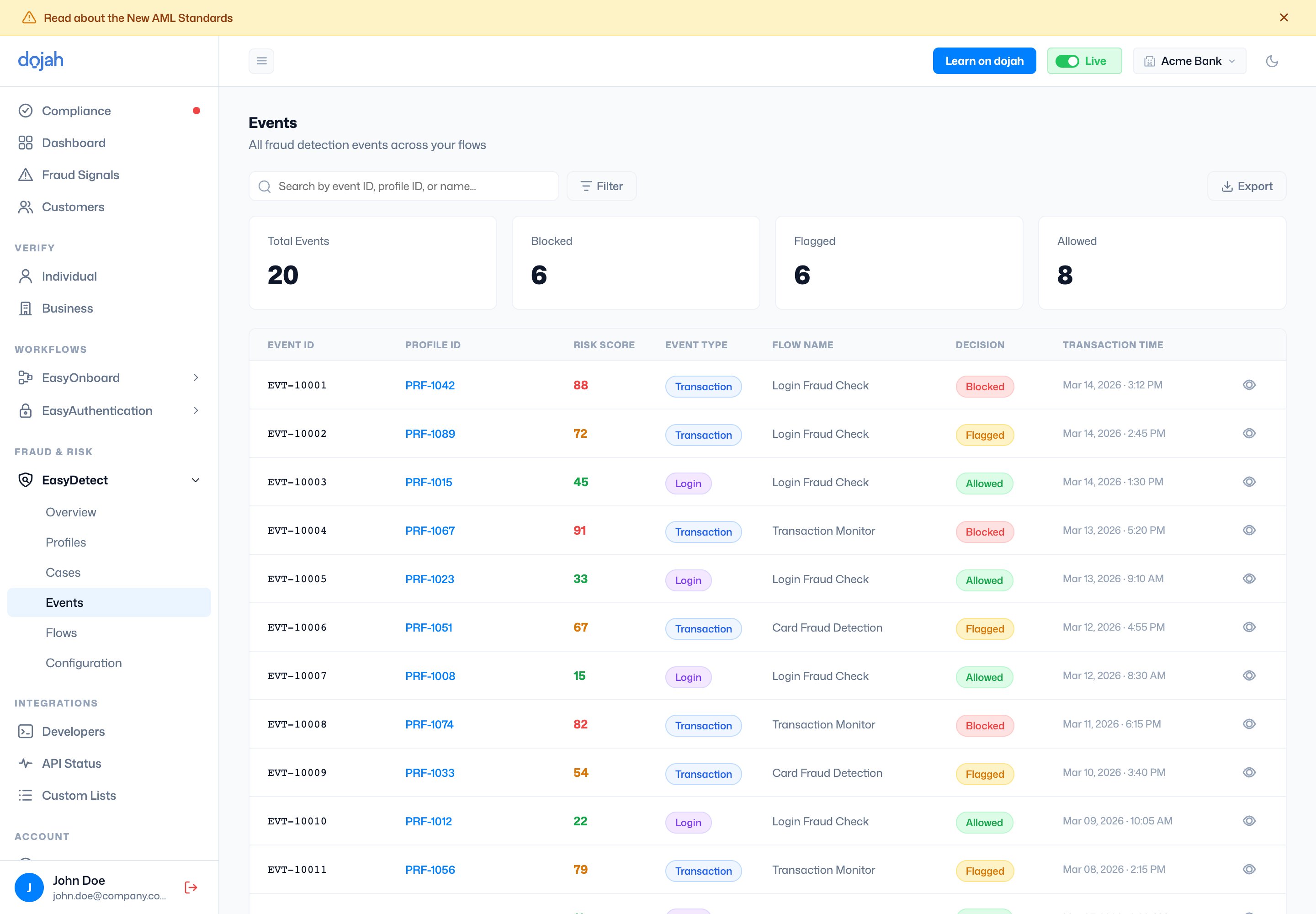
Open an event to see which rules fired and how the score was built — the detail view breaks down the Evaluation Result, an Event Analysis, and the Event Alerts (rules triggered, with the points each added).
Event alerts
Flagged and blocked events can be delivered to a webhook you set on the flow, so your backend is notified as soon as EasyDetect decides.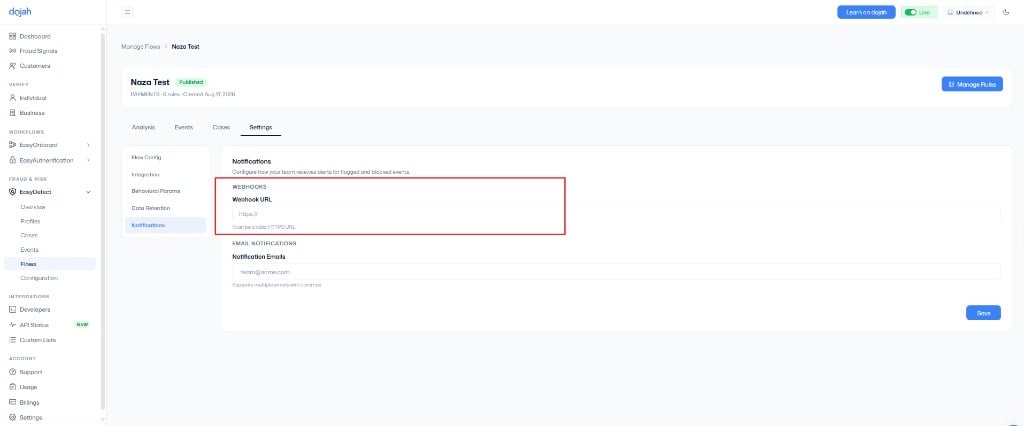
- Open the flow that scored the event (EasyDetect → Flows).
- Select Settings, then Notifications.
- Enter a Webhook URL. It must be a valid HTTPS URL.
- Optionally add Notification Emails (comma-separated).
- Select Save.