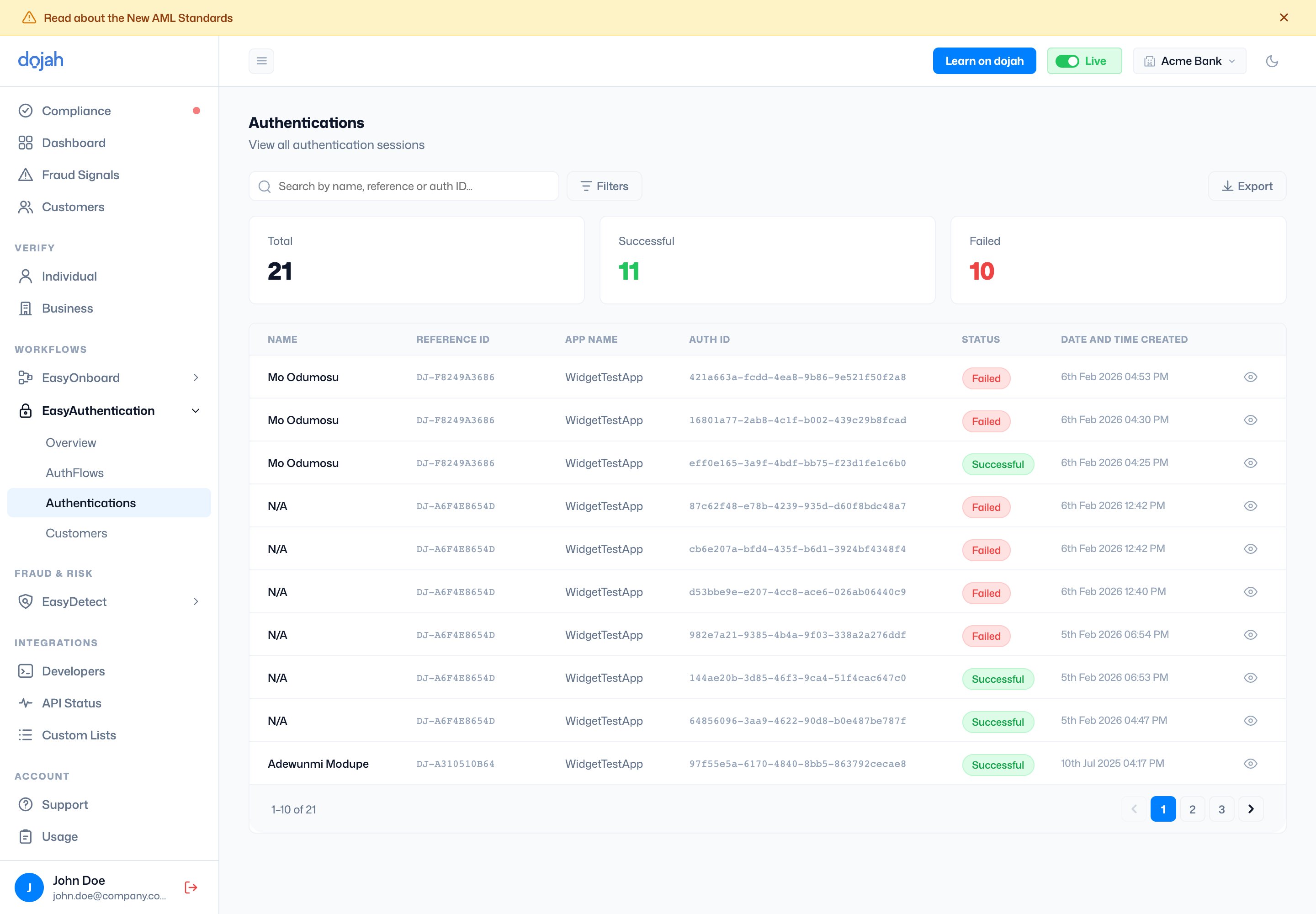
Viewing an authentication
Click the eye icon on any row to open the authentication detail page. At the top you’ll see the user’s name, initials, status badge, authentication ID, reference ID, and timestamp. Click Download to export the report. The left panel contains:- Failure Reason: shown when the authentication failed.
- IDs & Info: identifying information associated with the session (expand to view).
- Timeline: a log of every action during the authentication session, including total duration.
- Biodata: shows the registered liveness image captured during the authentication attempt and the “authentication liveness” used to match the registered liveness. Images can be enlarged or downloaded.
- IP/Device Check: shows the device and IP information recorded during the session.
