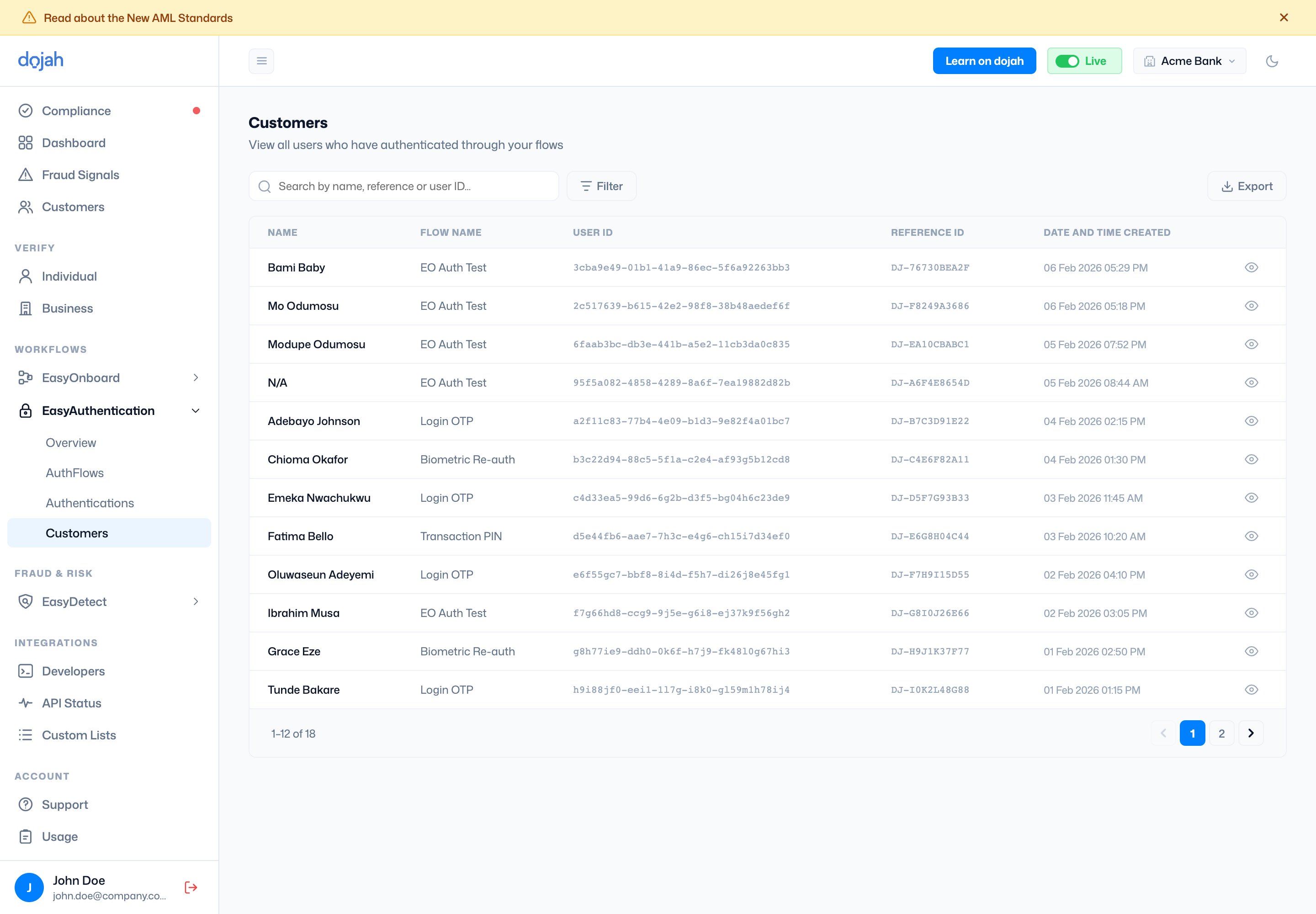
The Customers page shows all users who have registered liveness through your flows. Each row shows the userโ€™s name, the flow they used, their user ID, reference ID, and the date and time they were created. Search by name, reference, or user ID. Use filters to narrow results and export to download the list.

Viewing a customer

Click the eye icon to open a customer detail page. It shows the userโ€™s name, status of their most recent authentication, their user ID, reference ID, and timestamp. You can click Download Report to export their report. The left panel contains:
  • IDs & Info: identity details linked to this customer.
  • Authentications: a log of all authentication sessions for this customer.
The right panel has two tabs:
  • Biodata: shows the registered liveness image on file for this customer.
  • IP/Device Check: shows device and IP data associated with their sessions.