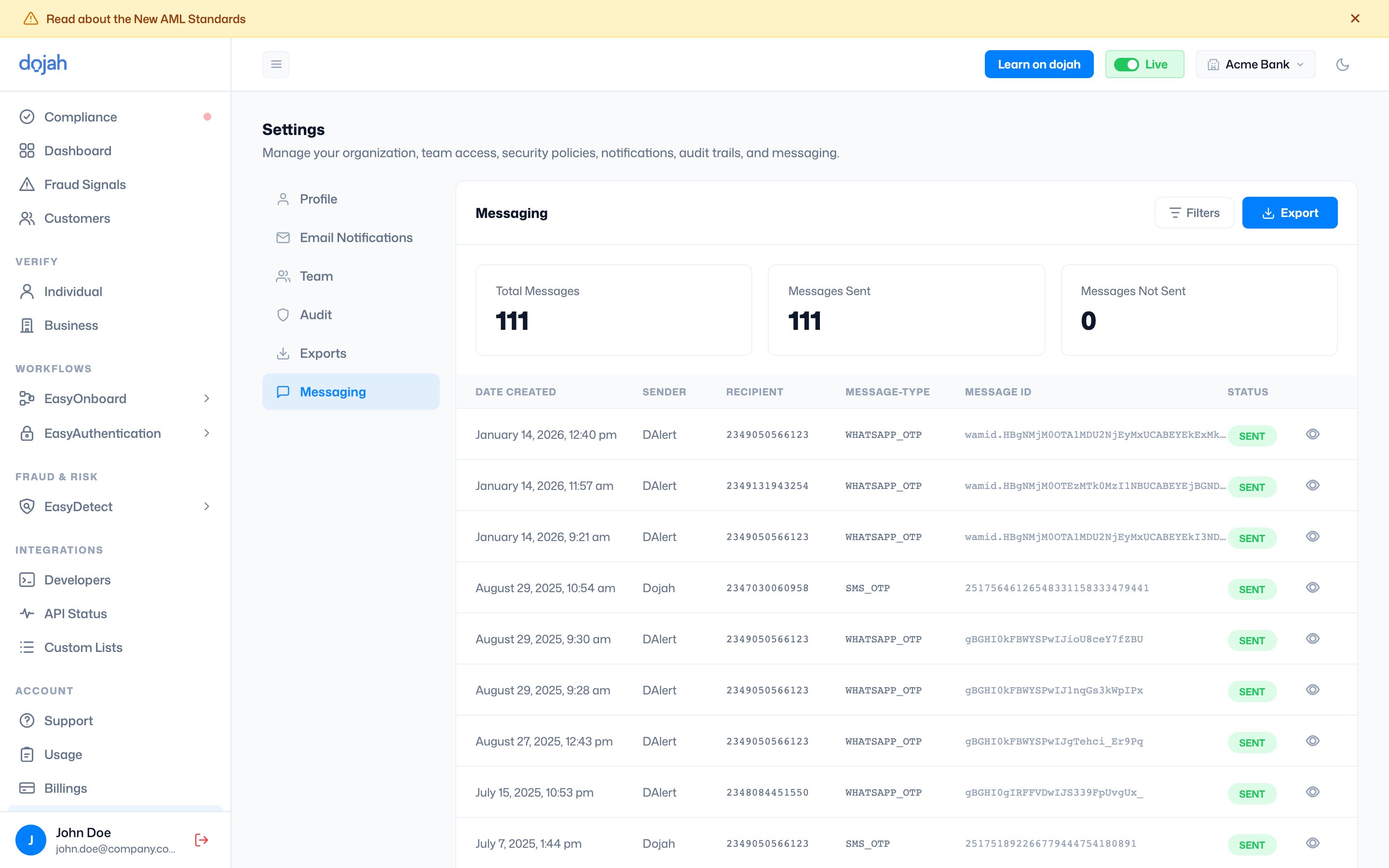
Summary metrics
Three figures at the top of the page give you an at-a-glance view of your messaging activity: Total Messages: the total number of messages sent on your account across all time. Messages Sent: the number that were successfully delivered. Messages Not Sent: the number that failed to deliver. A count above zero here warrants investigation: check the specific failed messages to understand whether the issue is with recipient phone numbers, message configuration, or the messaging service itself.The messaging log
Each row in the log shows: Date Created: the exact date and time the message was dispatched. Sender: the sender ID used to dispatch the message, for example, DAlert or Dojah. Recipient: the phone number the message was sent to, in international format. Message Type: the channel and type of message. WHATSAPP_OTP means an OTP was sent via WhatsApp. SMS_OTP means an OTP was sent via SMS. Message ID: a unique identifier for the message, used for troubleshooting with Dojah support. Status: whether the message was successfully sent. SENT means the message left the platform and was dispatched to the recipient’s number.
