Login options
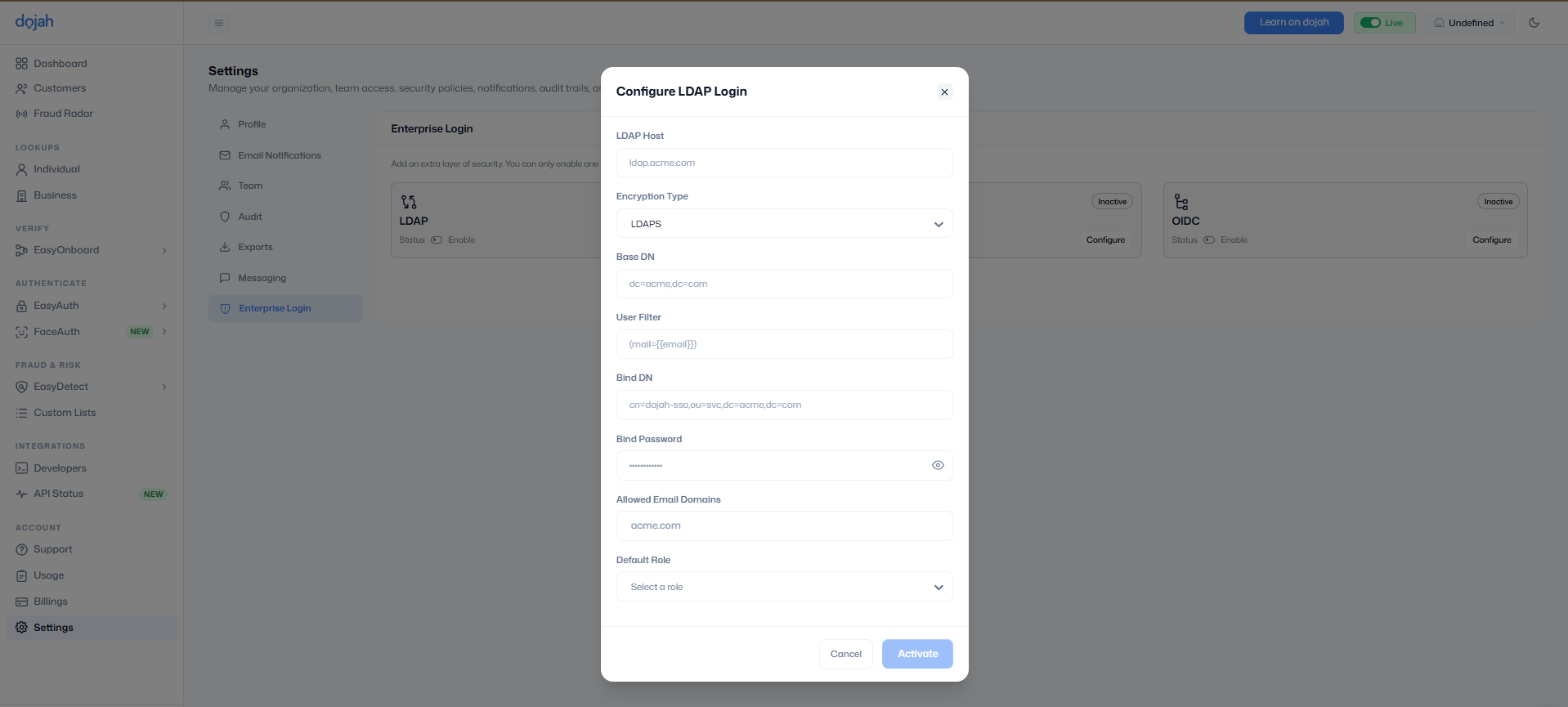
Dojah supports LDAP, SAML, and OIDC. Each option needs Allowed Email Domains and a Default Role. Only email addresses on those domains can sign in through the provider.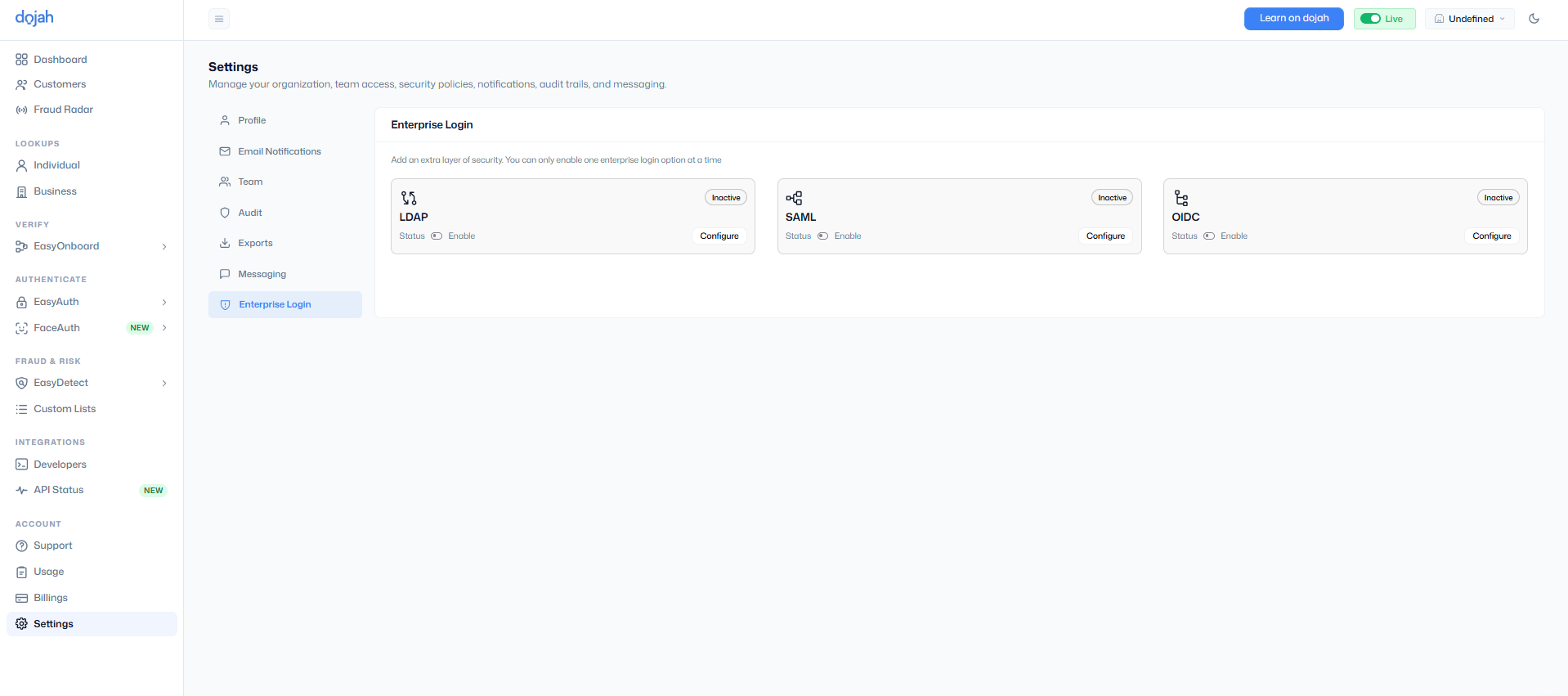
The user filter and bind credentials come from your identity provider.
Turn on a provider
1
Open Enterprise Login
Go to Settings and select Enterprise Login.
2
Configure the provider
Choose LDAP, SAML, or OIDC, then select Configure.
3
Enter the provider details
Fill in the fields for that protocol, add your allowed email domains, and choose the default role for new members.
4
Activate
Select Activate. Team members on an allowed domain can now sign in with that provider.
How team members sign in
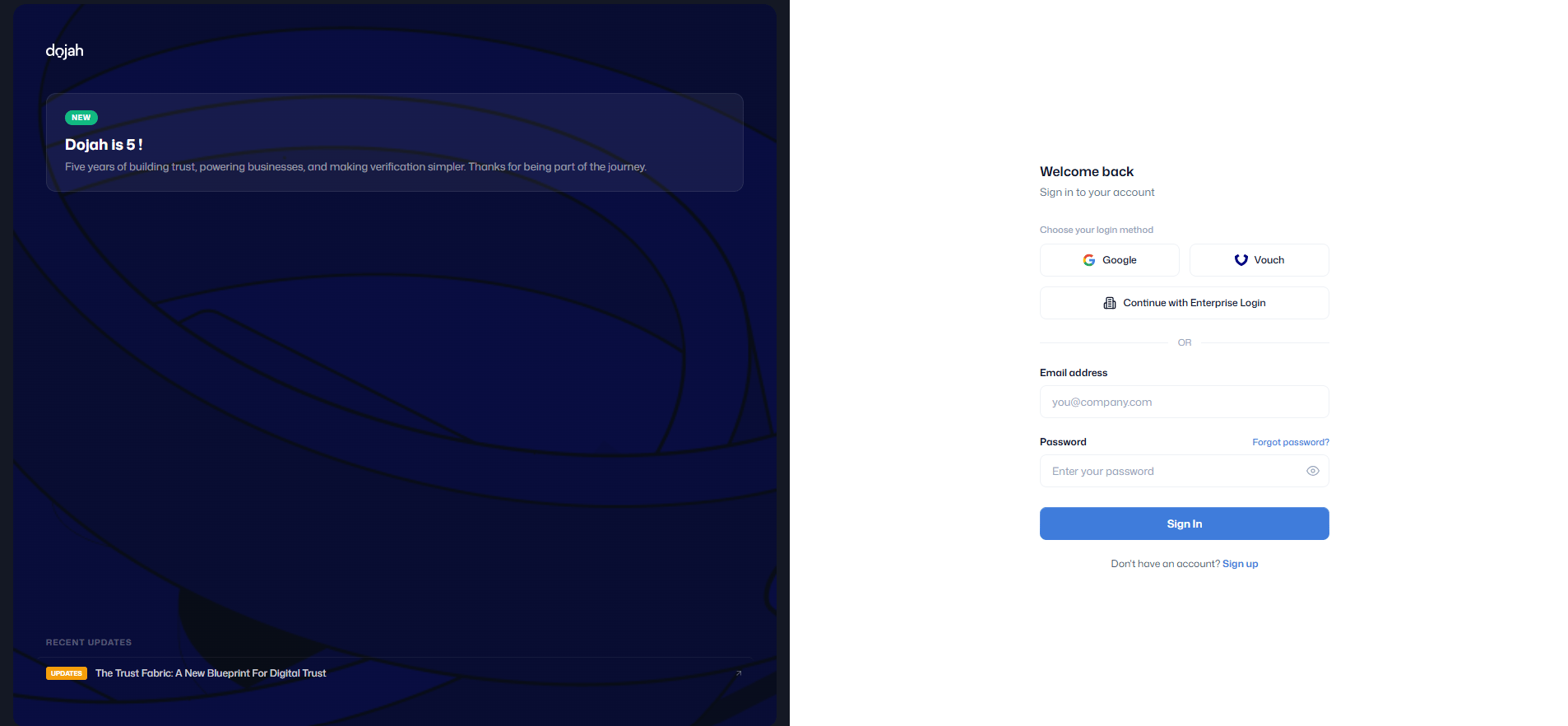
- On the Dojah login screen, select Continue with Enterprise Login.
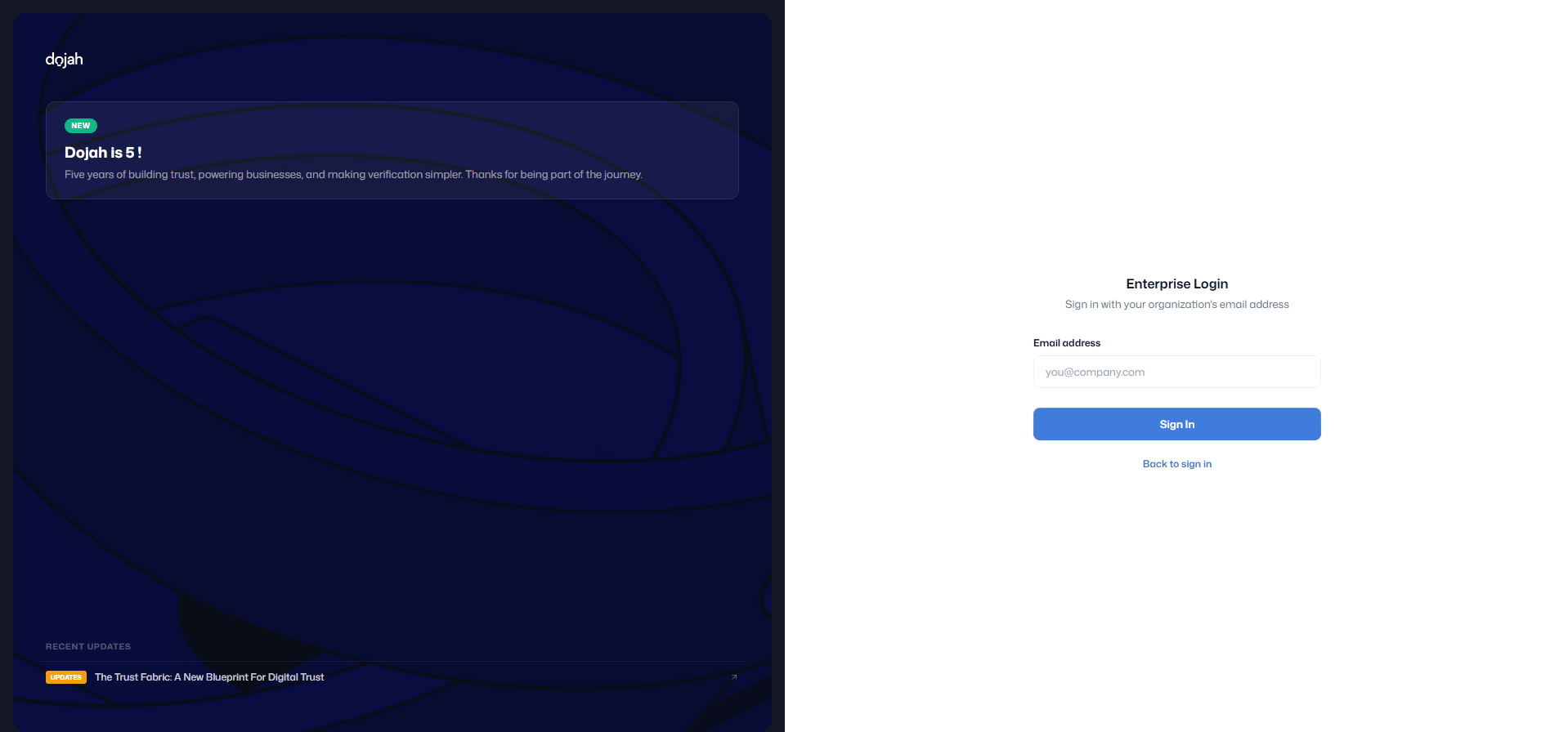
- Enter a work email address. The domain must be one you allowed when configuring the provider.
- They complete sign-in with your identity provider.
- Dojah opens the dashboard. A first-time user gets an account with the default role.